Barber shop
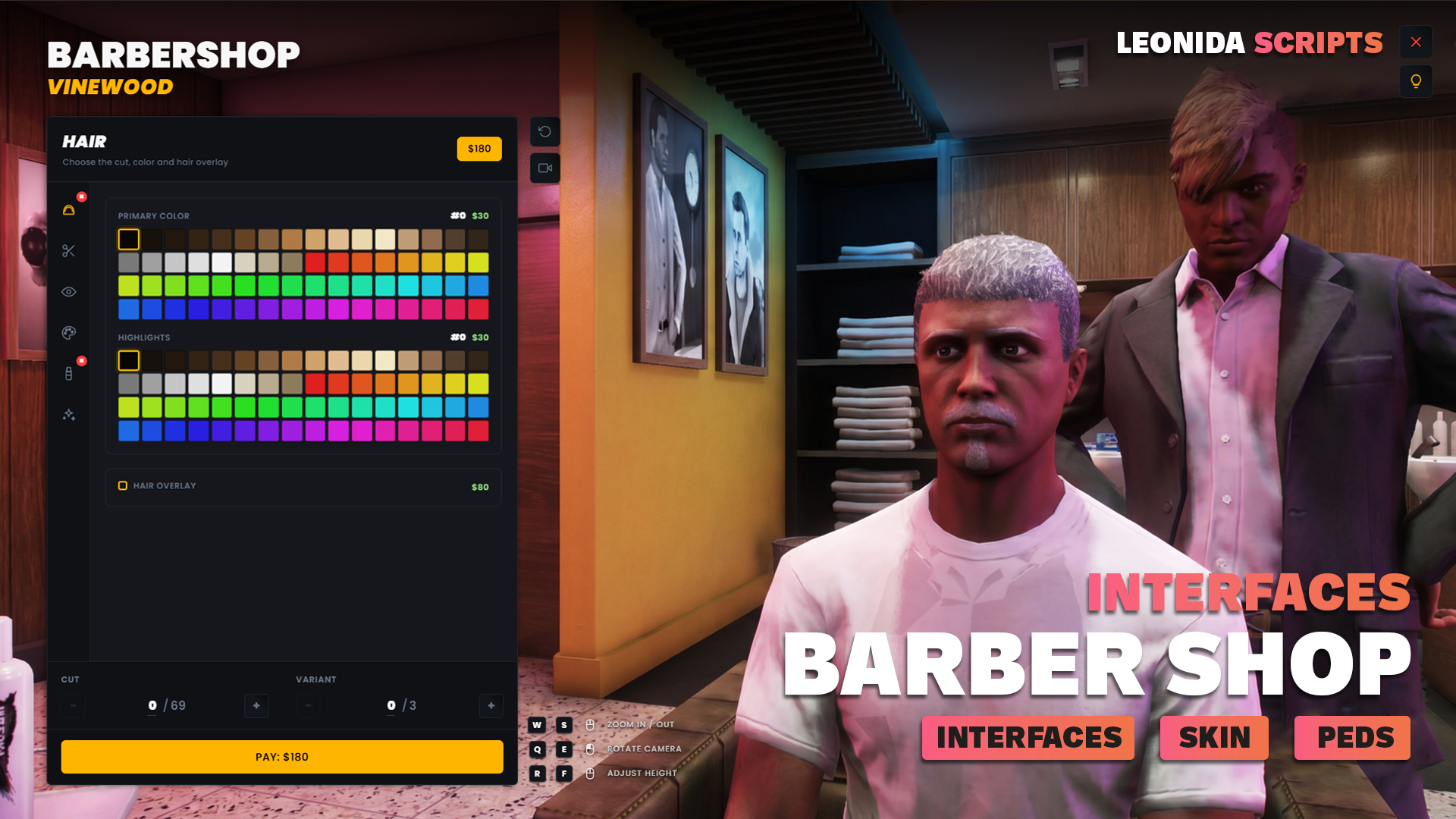
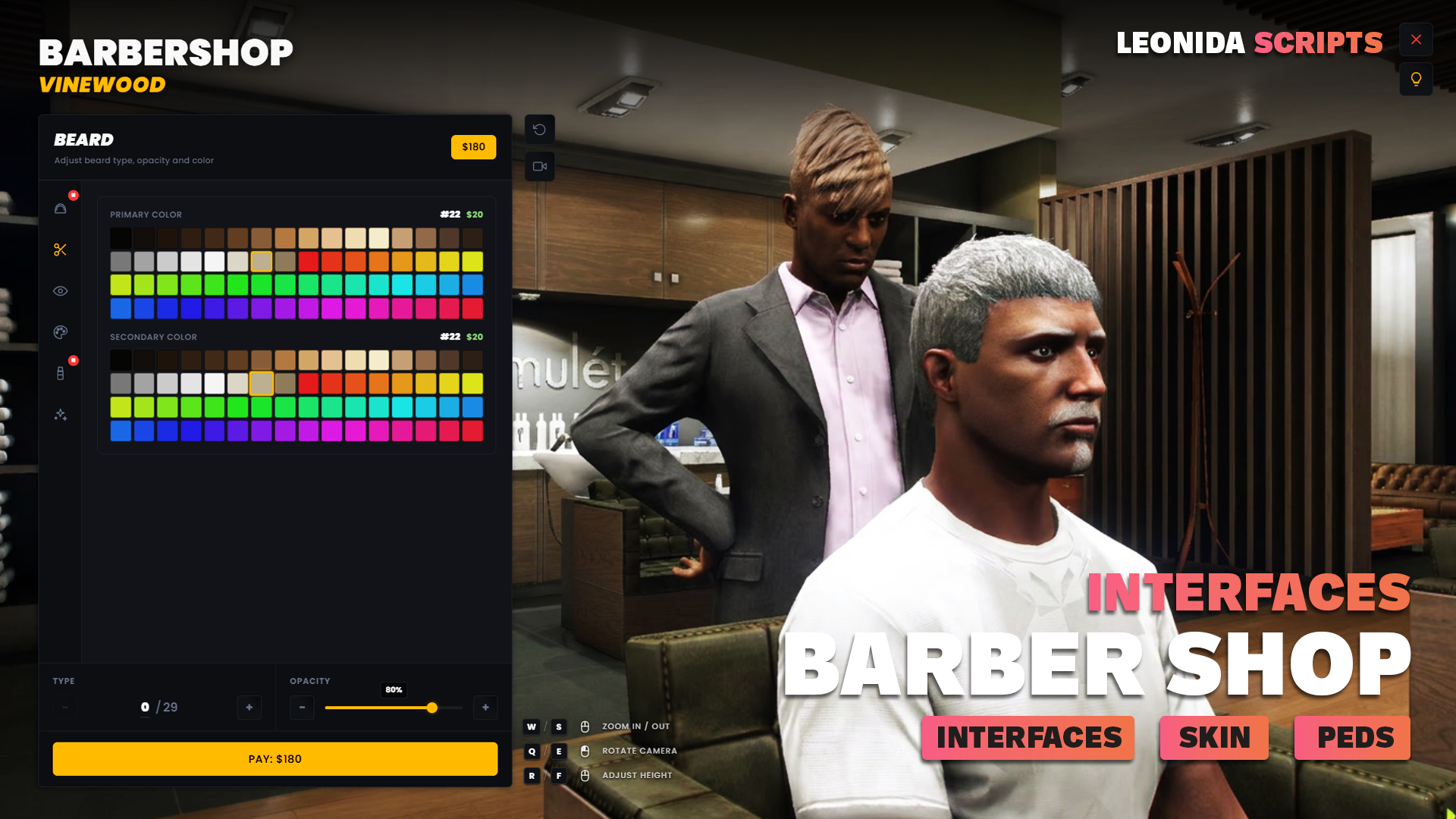
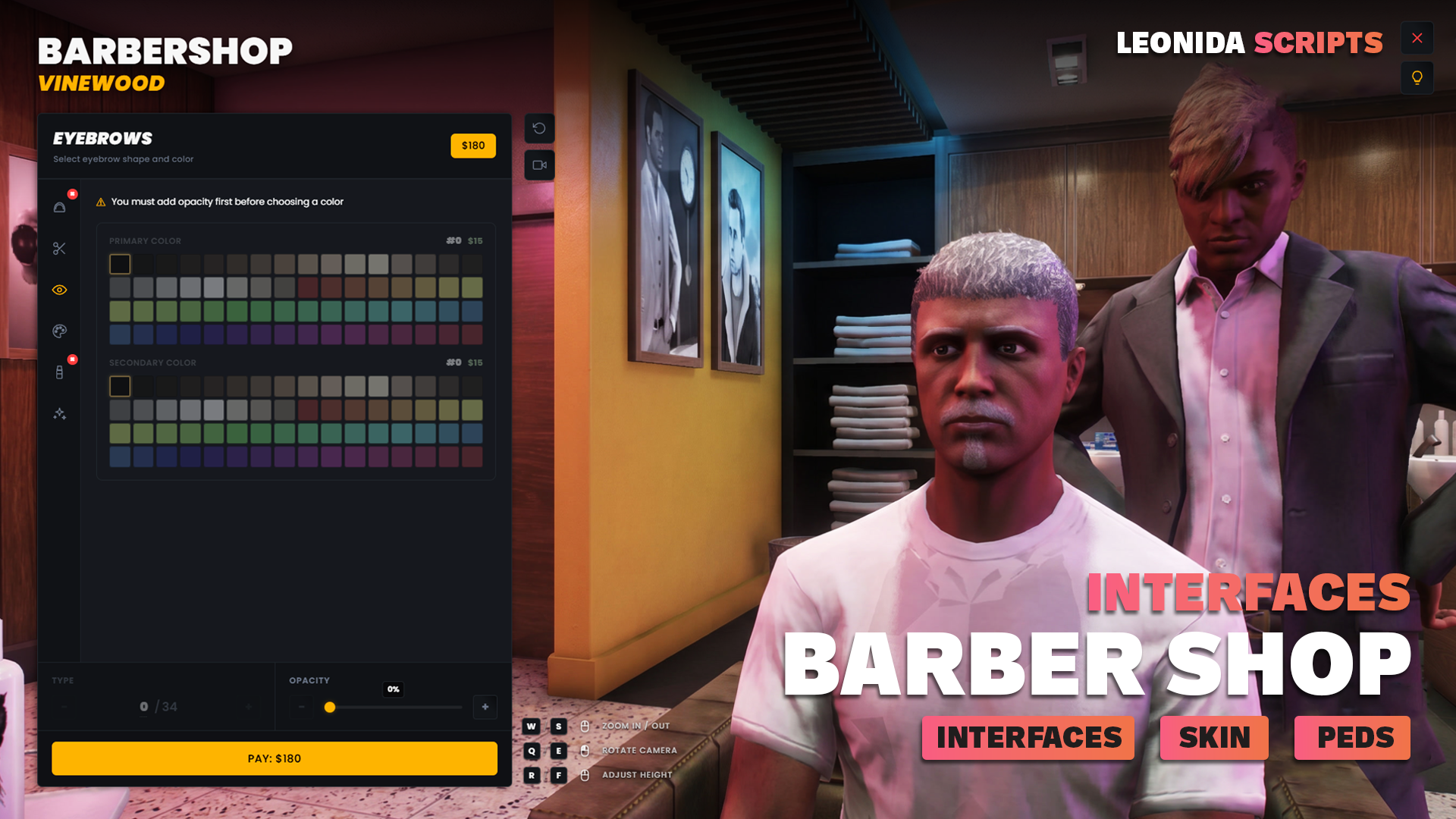
Barbershop with a cinematic flow and a lightweight, modern Svelte 5 NUI. Works on QBCore, ESX and Standalone. Orbit camera, live preview, basket-style payment.
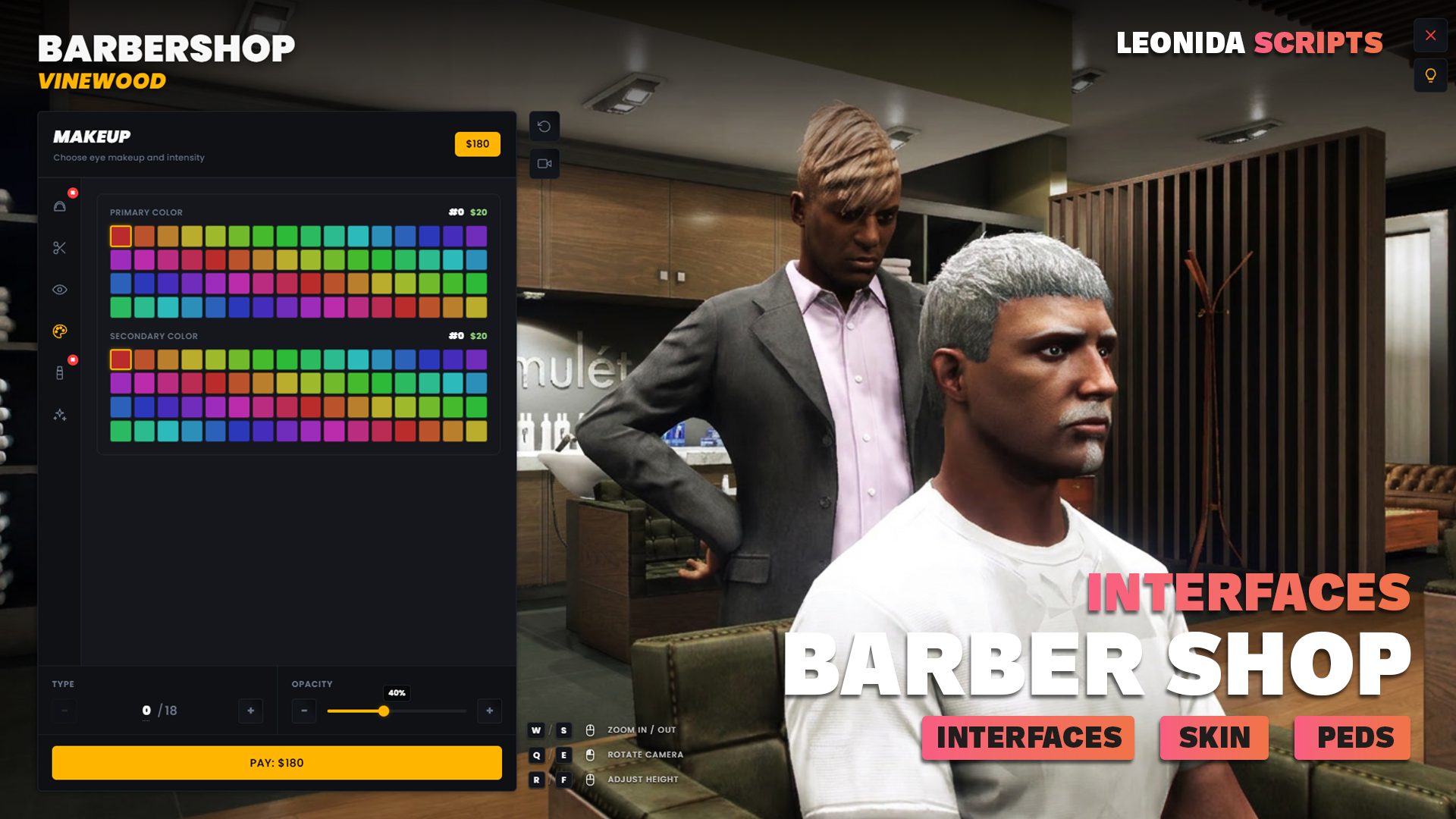
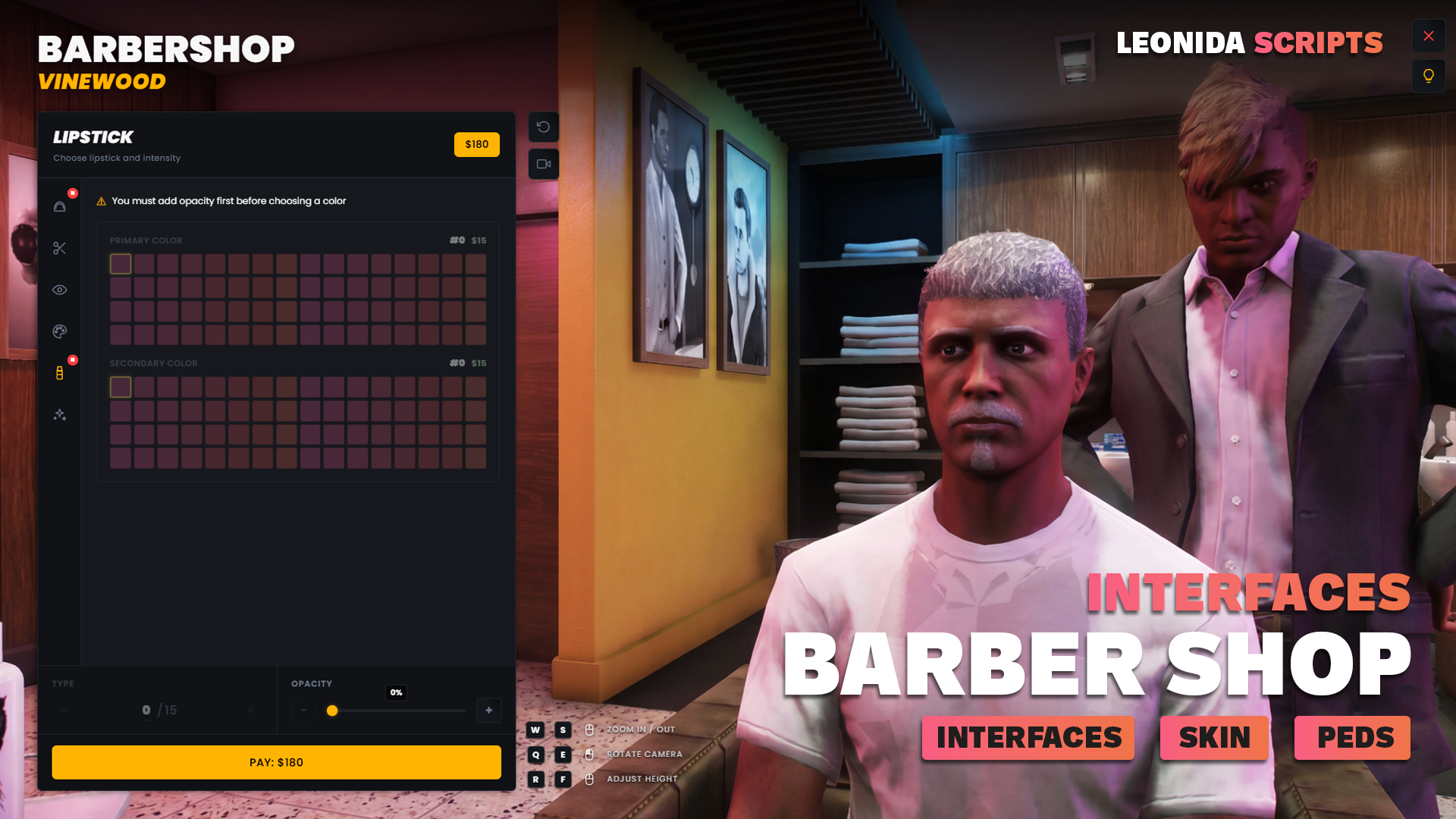
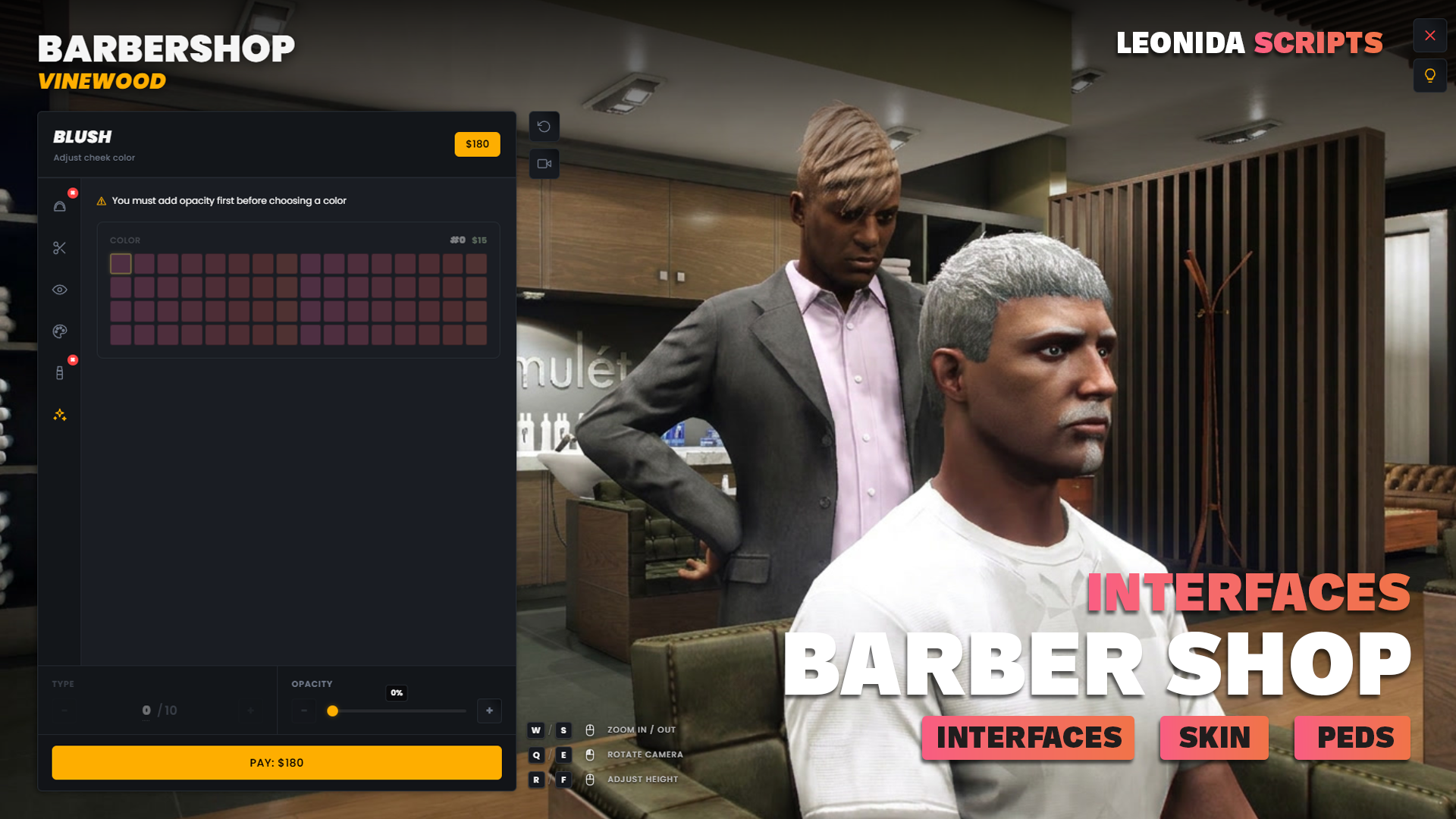
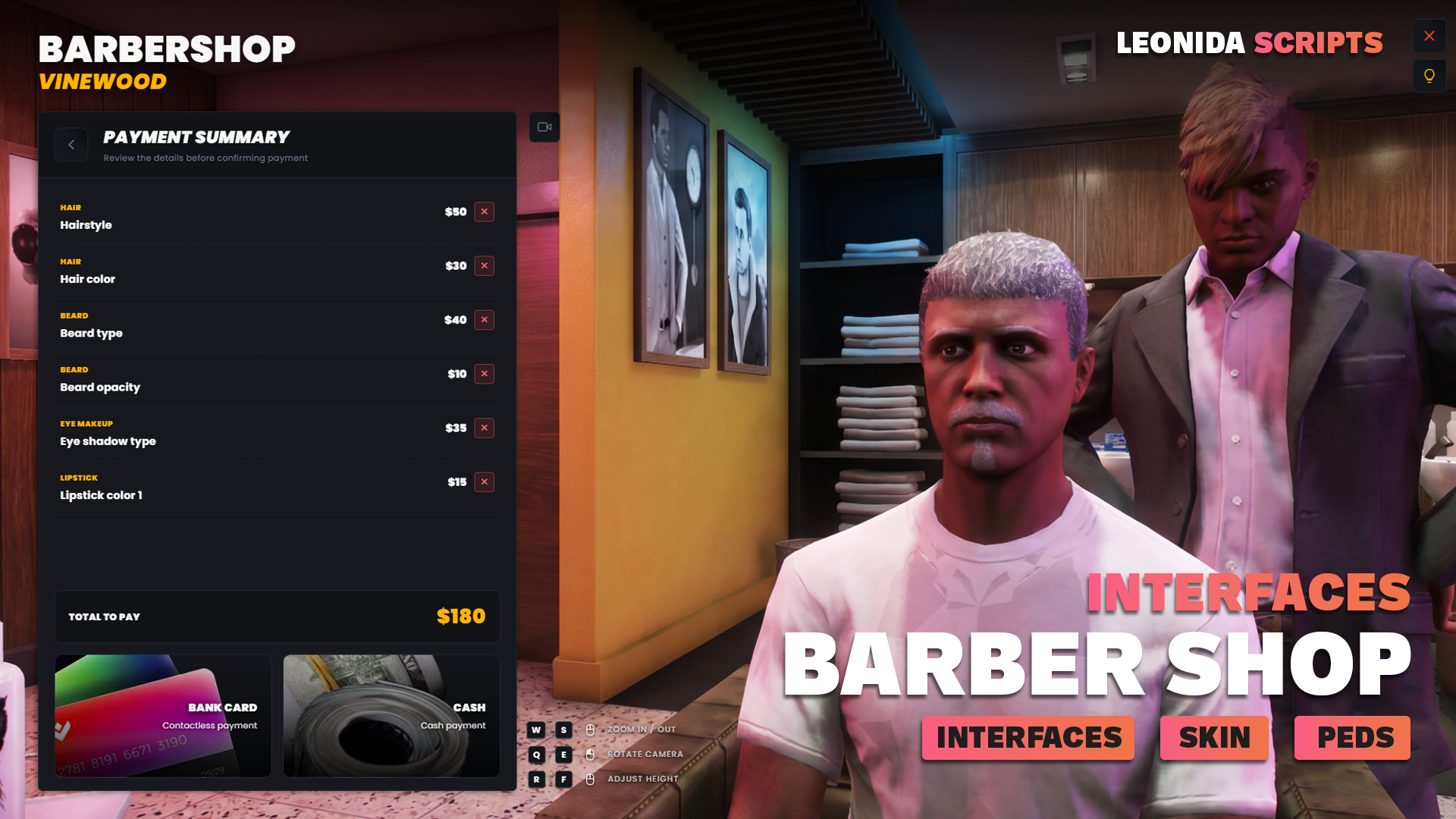
What it does
11 ready-to-use locations
9 vanilla GTA V barbershops plus 2 custom-map spots (Cayo Perico Village, Las Venturas). Coordinates, blip, info, prices … are all editable.
Technical
specifications
Everything you
get
-
Open configs & bridges
config/*.lua, locales/*.lua and bridges/*.lua stay readable and editable in production. Locations, prices and integrations are tweakable without touching the escrowed core.
-
Editable integration bridges
Each bridge exposes a `custom` branch to plug in your own framework, notification, target or clothing system in minutes.
-
Discord support + lifetime updates
Access to the support channel plus all free updates as long as the script exists. No hidden premium tier.
Integration guide
Installation
-
Drop the resource
Download the script from your Tebex account after purchase, then copy the
leonida_barber/folder intoresources/[leonida]/on your server. -
Run the SQL (optional)
Run
INSTALL.sqlon your database **only if** you use the standalone clothing or framework storage — see the file header for which case applies. -
Enable in server.cfg
Add
ensure leonida_barberto yourserver.cfg. Keep it afterensure oxmysql(andensure ox_libif you enableConfig.UseOxLib). -
Configure & test
Open
config/config.luaand setConfig.Locale, then leaveConfig.Framework,Config.Notif,Config.Interact,Config.Clothingonautofor detection (or force a target). Restart and walk into a barbershop to test the full flow.
Quickstart
Force a specific integration
Auto-detection covers most servers. If you run a custom stack, force each bridge target in `config/config.lua` instead of leaving it on `auto`.
-- config/config.lua
Config.Locale    = 'en'
Config.UseOxLib  = true

Config.Framework = 'auto'        -- 'qb' | 'esx' | 'standalone' | 'custom'
Config.Notif     = 'ox_lib'      -- 'qb' | 'esx' | 'ox_lib' | 'okok' | 'custom'
Config.Interact  = 'ox_target'   -- 'qb-target' | 'ox_target' | 'standalone'
Config.Clothing = 'custom' -- 'qb' | 'illenium' | 'fivem-appearance' | 'table' | 'custom'Recipes
Real-world copy-paste examples. Drop into your own resource, tweak the values, ship.
Every bridge ships a `custom` branch. Edit the marked block in `bridges/notif.lua`, then set `Config.Notif = "custom"` in the config.
-- bridges/notif.lua
elseif NOTIF == 'custom' then
    -- ▼▼▼ EDIT THIS BRANCH WITH YOUR OWN CODE ▼▼▼
    TriggerClientEvent('mynotify:show', src, msg, type)
    -- ▲▲▲ EDIT THIS BRANCH WITH YOUR OWN CODE ▲▲▲
endTroubleshooting
- QBCore, ESX and Standalone out of the box, plus a `custom` branch in `bridges/framework.lua` for your own framework. Leave `Config.Framework = "auto"` for automatic detection.